Get in Touch

Edit Template

Create your website with blocks
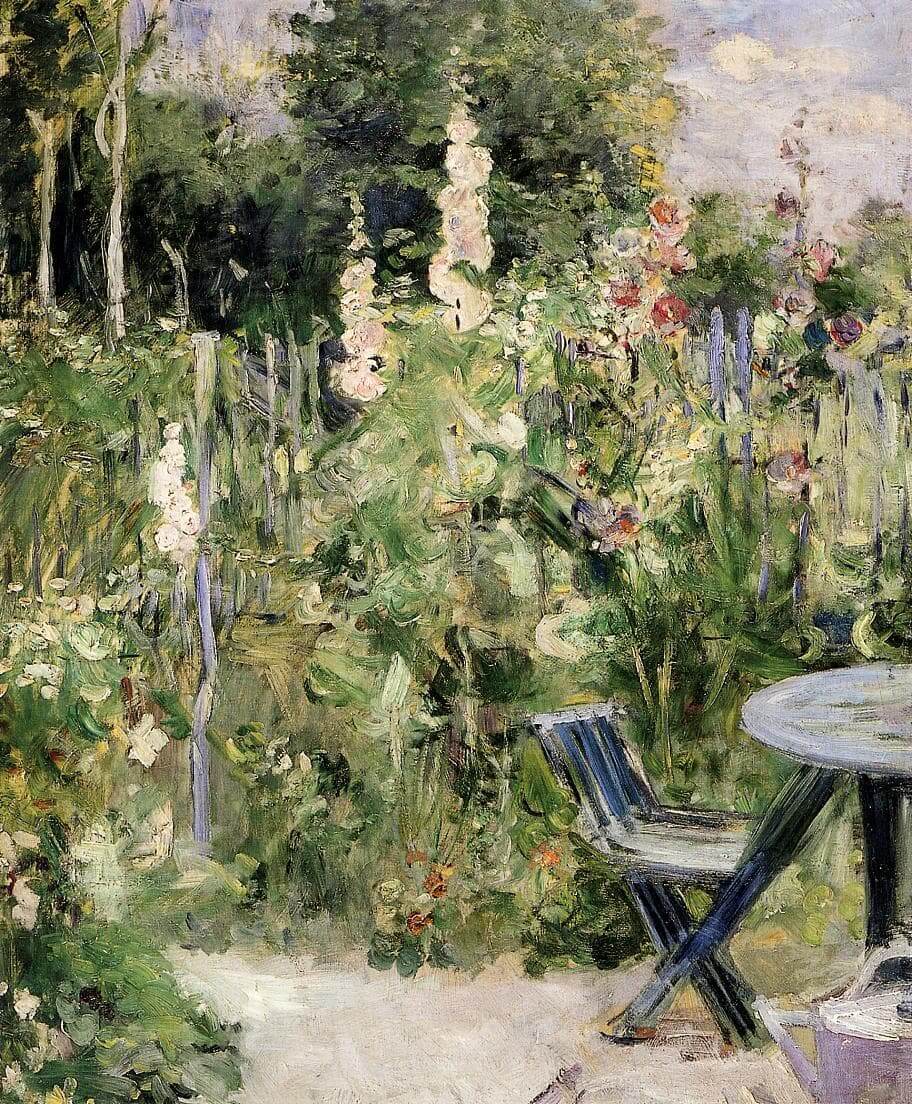
“Roses Trémières” by Berthe Morisot
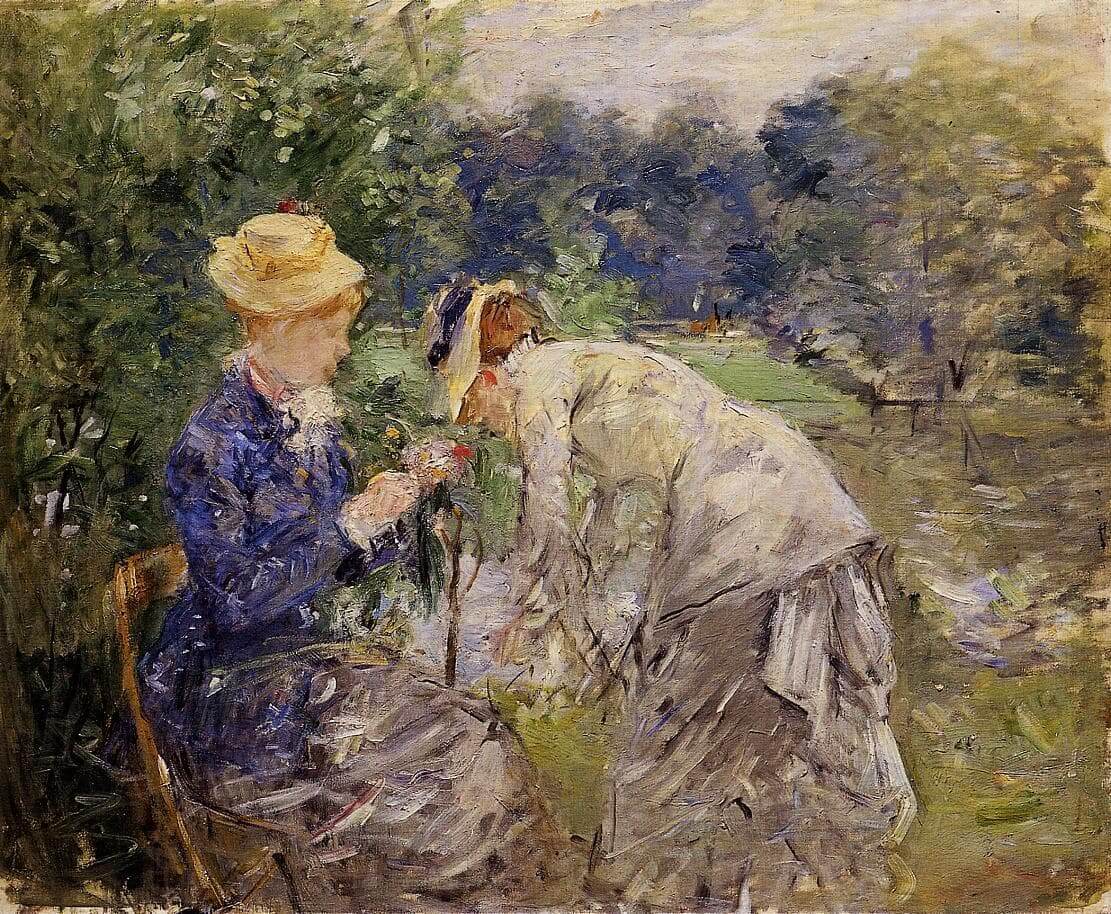
“In the Bois de Boulogne” by Berthe Morisot
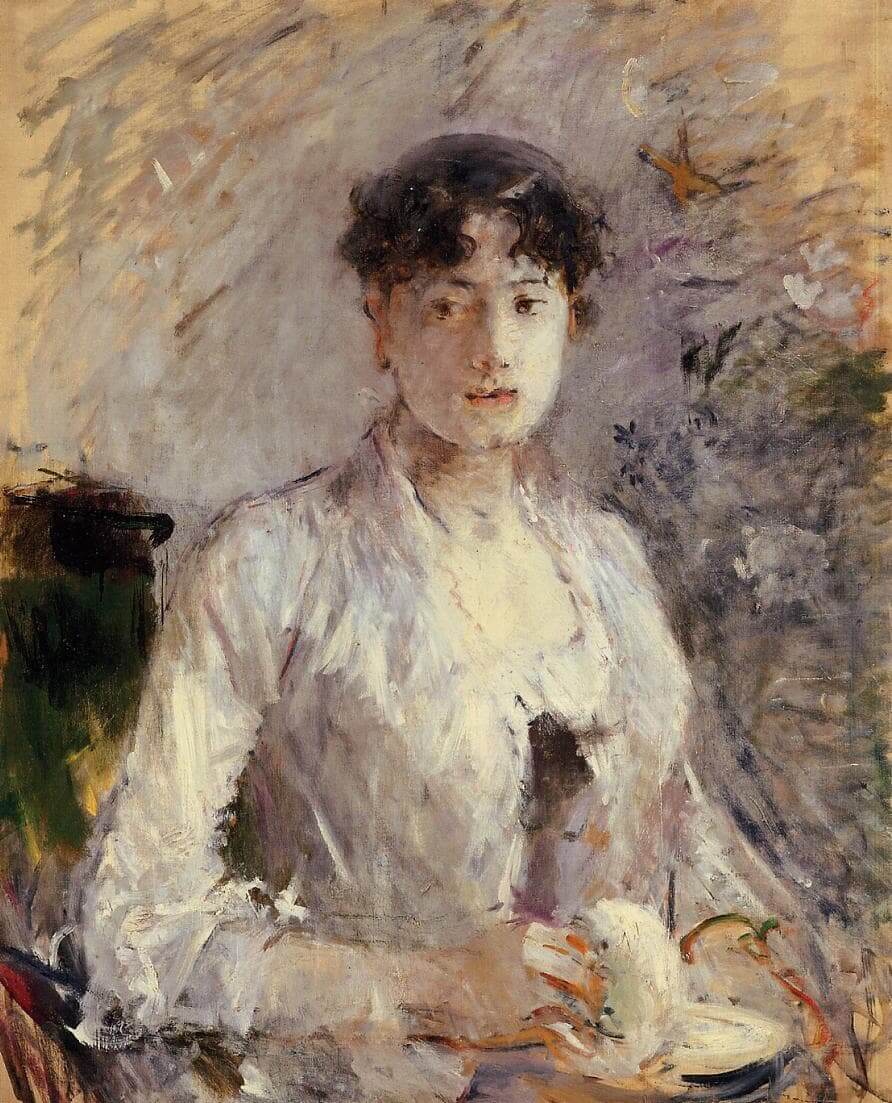
“Young Woman in Mauve” by Berthe Morisot

Add block patterns

Block patterns are pre-designed groups of blocks. To add one, select the Add Block button [+] in the toolbar at the top of the editor. Switch to the Patterns tab underneath the search bar, and choose a pattern.

Frame your images

Twenty Twenty-One includes stylish borders for your content. With an Image block selected, open the "Styles" panel within the Editor sidebar. Select the "Frame" block style to activate it.

Overlap columns

Twenty Twenty-One also includes an overlap style for column blocks. With a Columns block selected, open the "Styles" panel within the Editor sidebar. Choose the "Overlap" block style to try it out.

Your Business Potential with Our Proven Strategies

Lorem ipsum dolor sit amet, consectetur adipiscing elit. Ut elit tellus, luctus nec ullamcorper mattis, pulvinar dapibus leo.
Lorem ipsum dolor sit amet, consectetur adipiscing elit.

Company

About Us

Contact Us

Products

Services

Blog

Features

Analytics

Engagement

Builder

Publisher

Help

Privacy Policy

Terms

Conditions

Product

Lorem ipsum dolor sit amet, consectetur adipiscing elit.
You have been successfully Subscribed! Ops! Something went wrong, please try again.

© 2025 Site by Visual Appeal LLC